



Description
Save text once. Paste it anytime
Use Cases
- Save frequently used text (addresses, replies, notes)
- Keep multiple copied texts instead of just the latest one
- Quickly retrieve important text without searching or re-copying
System Compatibility
Compatible with iOS, iPadOS, and macOS via Apple Shortcuts.
- iOS / iPad (any version with shortcuts)
- macOS
Key Features
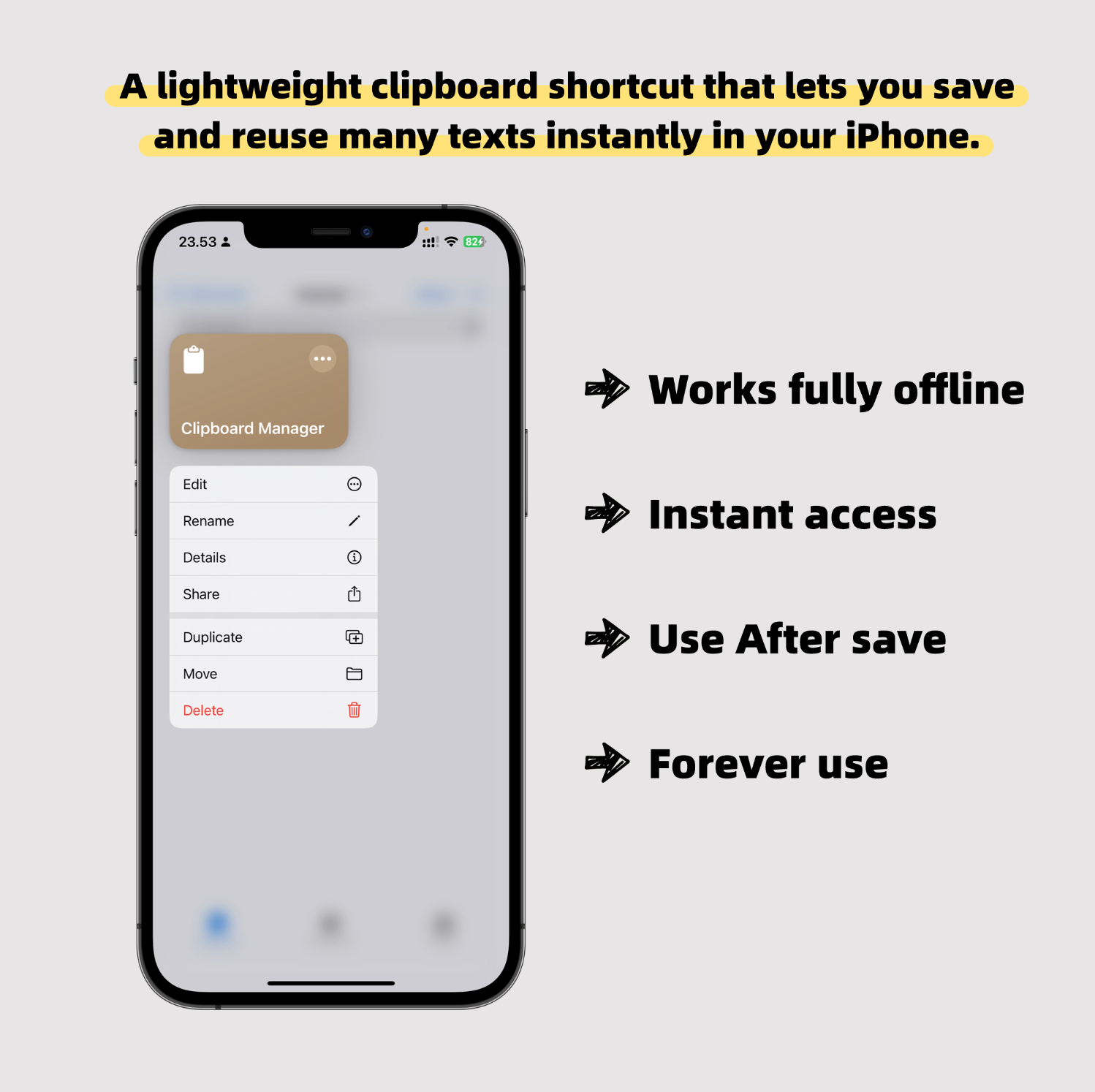
- Works fully offline — all data is stored locally
- Instant access with a keyboard shortcut
- No app to install — runs directly from the system
- Forever use,Save once, use immediately
How to Use
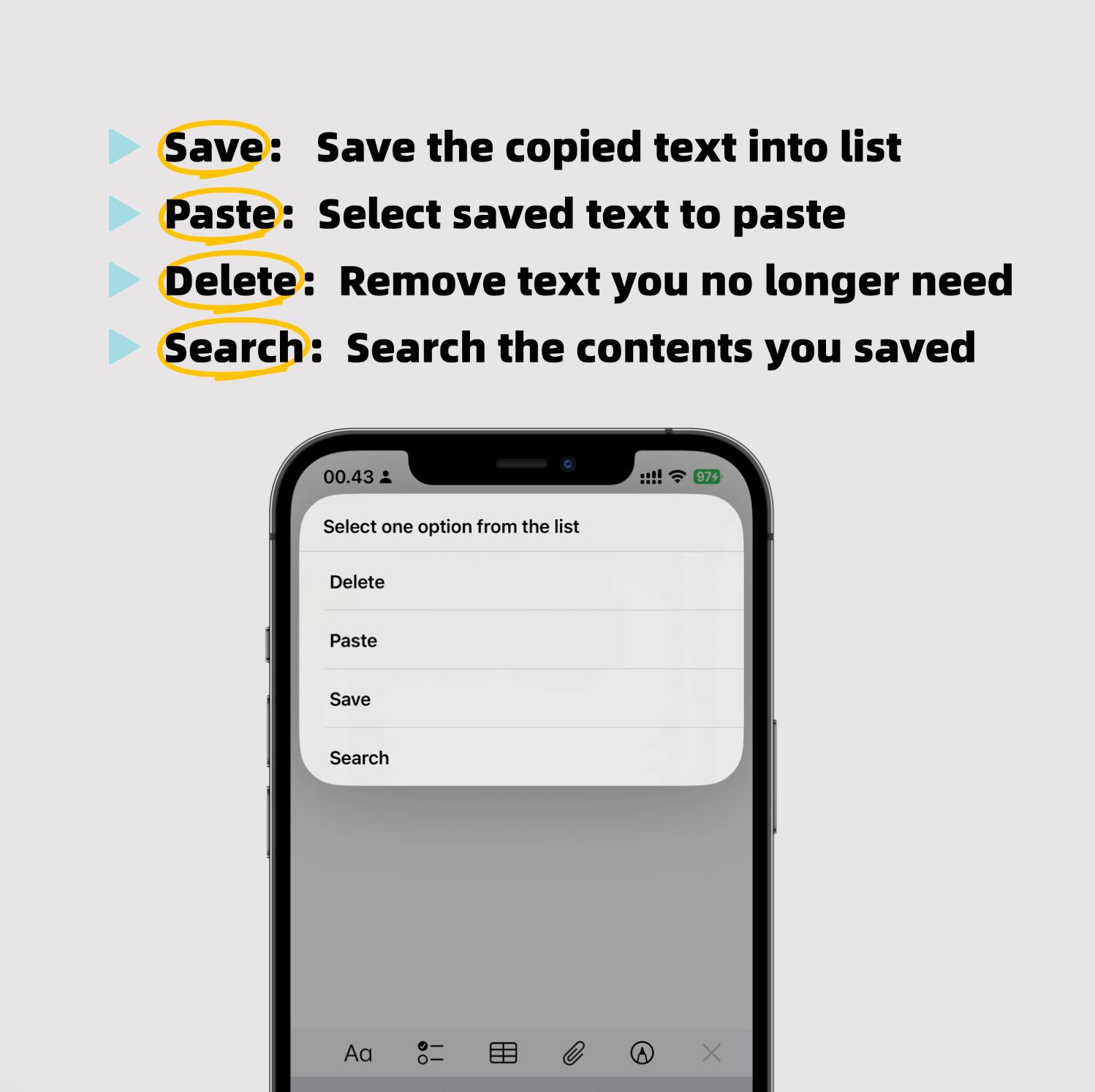
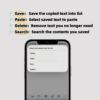
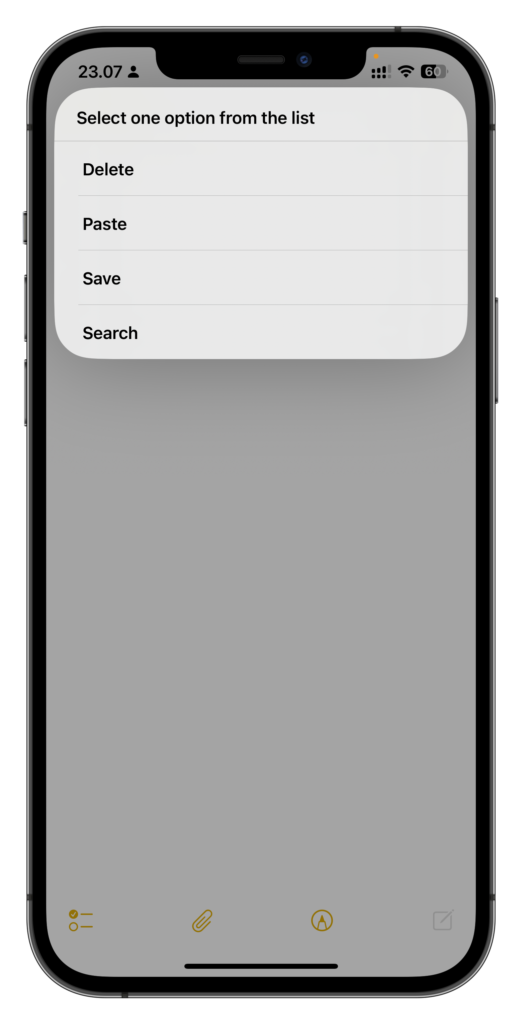
Copy any text,Run the shortcut,Choose Save, Paste, Delete or Search
- Save: Save the text you just copied
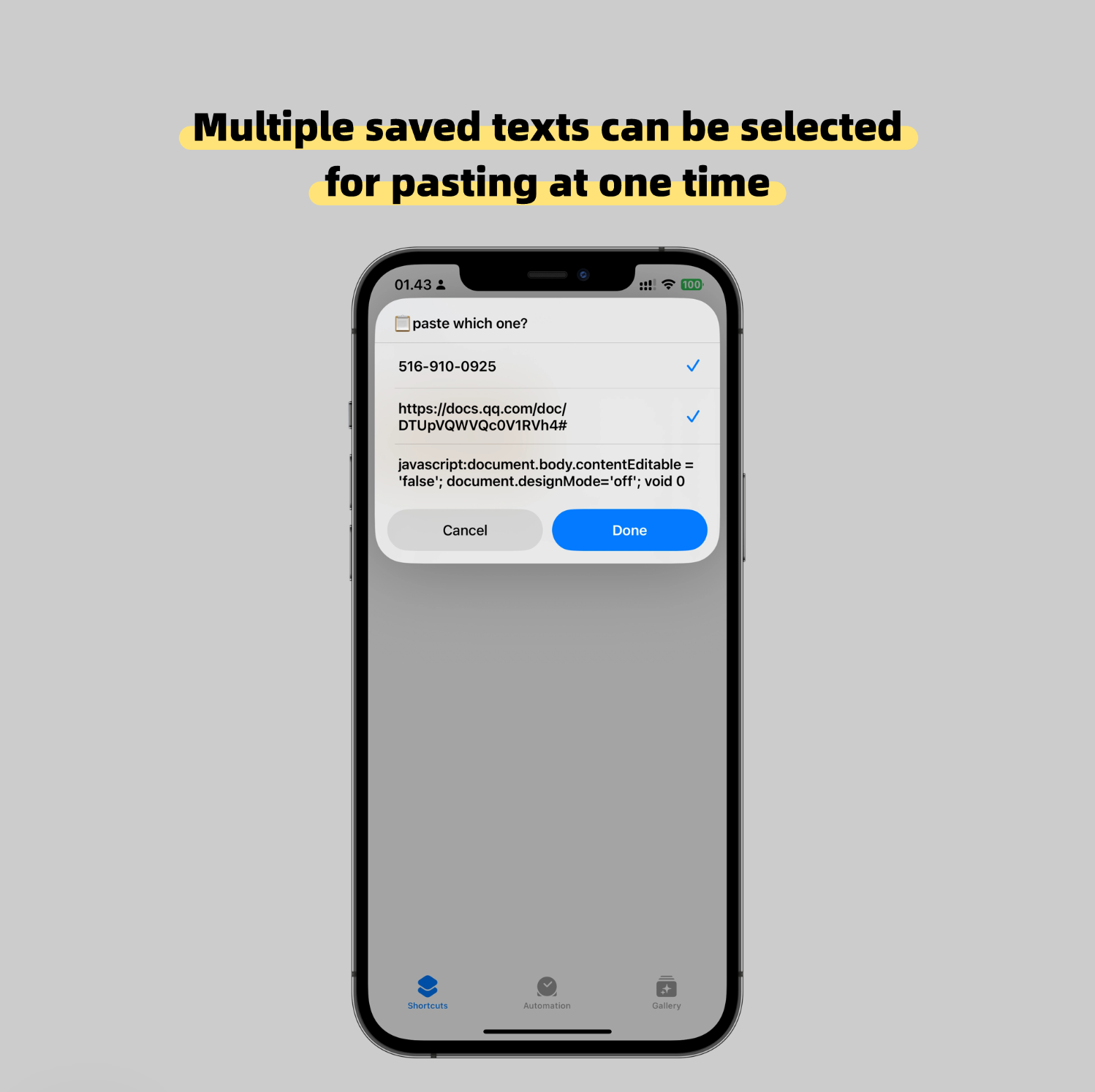
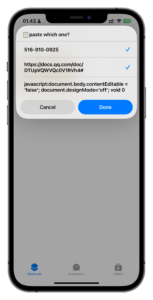
- Paste:Choose any saved text and paste it instantly
- Delete:Remove text you no longer need
- Search:Search the contents you saved
That’s it.
No learning curve.
FAQ
Q: How do I use it after purchase?
A: After purchase, you’ll receive a shortcut link.
Copy the link, paste it into the iPhone Notes app, then tap it to save the shortcut.
Once saved, you can run it directly or assign a keyboard shortcut.
A complete guide for setting up shortcuts is included.
Q: How many items can I save?
A: There’s no fixed limit. You can save as many items as your device storage allows.
Q: Can I store multiple texts?
A: Yes. You can save, retrieve, and delete multiple text items anytime,no limit .
Q: What kind of content can I save?
A: Text only. It’s designed for quick reuse, not file storage.
Reviews
There are no reviews yet.